Yurnero88 GCash Deposit Not Working: 5 Fixes for Failed Transactions
Yurnero88 GCash Deposit Not Working: 5 Fixes for Failed Transactions
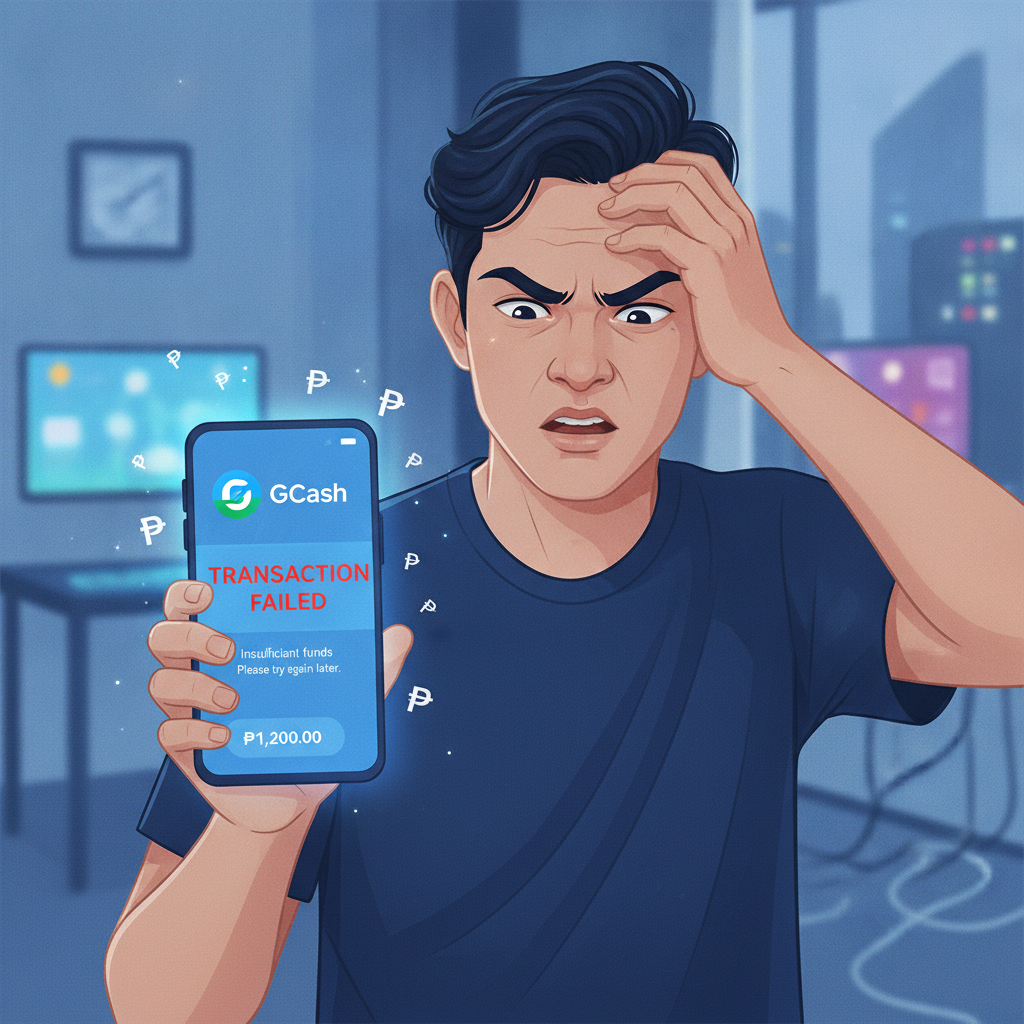
A failed GCash deposit on Yurnero88 can stop your play in its tracks. This guide walks through the most common reasons GCash transactions fail and gives you practical steps to fix the problem or switch to another payment method.
This content is for players aged 21 and over. If you find yourself chasing losses or depositing more than you can afford, use GCash's spending controls or take a break from online casino play.
Why GCash Deposits Fail on Yurnero88
GCash deposits can fail at several points in the transaction flow. Understanding where the problem happens helps you troubleshoot faster.
Insufficient GCash Wallet Balance
The most common reason is simple: your GCash wallet doesn't hold enough funds to cover the deposit amount plus any GCash service fee. Even if your wallet shows PHP 500, a PHP 500 deposit may fail if GCash deducts a small transaction fee.
Fix: Open the GCash app, check your available balance on the home screen, and ensure it exceeds the deposit amount by at least PHP 10–20 to cover potential fees.
Daily or Monthly GCash Transaction Limits
GCash imposes transaction limits based on your account verification level:
- Unverified (GCash Lite): PHP 8,000 monthly limit
- Semi-verified: PHP 100,000 monthly limit
- Fully verified: PHP 500,000 monthly limit
If you've already used your monthly allowance on other bills, online shopping, or casino deposits, your Yurnero88 GCash deposit will be declined.
Fix: Check your GCash transaction history for the current month. If you're near your limit, upgrade your verification by submitting a valid ID in the GCash app, or wait until the limit resets on the first of the next month.
GCash Account Verification Issues
Yurnero88 may reject deposits from unverified or semi-verified GCash accounts to comply with anti-money-laundering policies. Some payment processors require the GCash account name to match the name registered on the Yurnero88 account.
Fix: Fully verify your GCash account in the app (Profile > Verify Now), and double-check that the name on your GCash wallet matches the name you used when you registered on Yurnero88.
Yurnero88 Minimum and Maximum Deposit Limits
Yurnero88 sets minimum and maximum deposit amounts per transaction. Attempting to deposit PHP 50 when the minimum is PHP 100, or depositing PHP 10,000 when the single-transaction cap is PHP 5,000, will trigger an error.
Fix: Review the deposit limits displayed on the Yurnero88 cashier screen before confirming your transaction. Typical minimums are PHP 100–200; maximums vary by payment method.
Temporary GCash or Yurnero88 System Downtime
GCash occasionally undergoes scheduled maintenance, especially late at night or early morning. Similarly, Yurnero88's payment gateway may experience brief outages during server updates.
Fix: If the GCash app shows a service advisory banner, wait 15–30 minutes and try again. Check Yurnero88's official social media or customer-support chat for any announcements about payment-system maintenance.
Check GCash Transaction History vs. Yurnero88 Account Balance
When a deposit fails, the first step is to confirm whether money left your GCash wallet and whether it arrived in your Yurnero88 account.
How to Check Your GCash Transaction History
- Open the GCash app and tap Transaction History (or swipe down on the home screen).
- Look for a recent outgoing transaction labeled with Yurnero88, the payment gateway name, or a merchant code.
- Note the transaction reference number, amount, and timestamp.
If you see a completed transaction in GCash but your Yurnero88 balance hasn't updated, the deposit may be pending or stuck in processing.
How to Check Your Yurnero88 Account Balance and Transaction Log
- Log in to Yurnero88 on your mobile browser or Android app.
- Tap your account icon or wallet/cashier button (usually in the top-right corner).
- Select Transaction History or Deposit History.
- Compare the timestamp and amount with your GCash record.
If the transaction appears in GCash but not in Yurnero88 after 10–15 minutes, proceed to contact support.
How to Contact Yurnero88 Support with Transaction Reference Numbers
Yurnero88 support can trace and manually credit stuck deposits if you provide the correct transaction details.
What Information to Prepare
Before opening a support ticket, gather:
- Your Yurnero88 username or registered mobile number
- The GCash transaction reference number (found in your GCash transaction history)
- The exact deposit amount (in PHP)
- The date and time of the transaction
- A screenshot of the GCash transaction receipt (optional but helpful)
How to Reach Yurnero88 Support
Yurnero88 typically offers:
- Live chat: Available in the Yurnero88 app or website footer. Response times are fastest during peak evening hours (6 PM–11 PM PHT).
- Email support: Look for a contact form or support email address in the Yurnero88 Help or Contact section.
- Social media: Some platforms respond via Facebook Messenger, though official channels are more reliable for payment issues.
State your problem clearly: "My GCash deposit of PHP 300 sent at [date/time] with reference number [123456789] has not appeared in my Yurnero88 account after 20 minutes. Please trace and credit my deposit."
Most payment-tracing requests are resolved within 1–24 hours if you provide complete details.
Alternative Deposit Methods if GCash Remains Unavailable
If GCash continues to fail—due to account limits, downtime, or mismatched verification—Yurnero88 supports other popular Philippine payment methods.
Maya (formerly PayMaya)
Maya works almost identically to GCash and is widely used for online casino deposits in the Philippines. Processing is instant, and the steps are similar:
- Select Maya in the Yurnero88 cashier.
- Enter your deposit amount and confirm.
- You'll be redirected to the Maya app or web payment page.
- Authorize the transaction with your Maya PIN or biometrics.
Maya also has verification tiers, so ensure your account is upgraded if you plan to deposit more than PHP 8,000 per month.
InstaPay Bank Transfer
InstaPay transfers move funds between Philippine banks in real time (usually under 5 minutes). Yurnero88 lists InstaPay as a deposit option if your bank account is enabled for online or mobile banking.
- Select InstaPay or Online Bank Transfer in the Yurnero88 cashier.
- Enter the amount and confirm.
- You'll receive Yurnero88's bank details or be redirected to your bank's payment portal.
- Complete the transfer via your bank app.
- Keep the bank reference number and submit it to Yurnero88 if required.
InstaPay is ideal if you prefer not to load an e-wallet.
PESONet Bank Transfer
PESONet is a batch-processing system for bank transfers. Deposits via PESONet typically take 1–3 banking hours (and may be delayed overnight or on weekends). The process mirrors InstaPay but is slower and better suited for larger, non-urgent deposits.
Over-the-Counter and Convenience Store Cash-In
Some payment gateways integrated with Yurnero88 accept cash deposits at 7-Eleven, Cebuana Lhuillier, M Lhuillier, or SM Business Centers. You'll receive a payment reference code to bring to the counter; funds usually credit within 10–30 minutes after payment confirmation.
This method works well if you don't have a bank account or e-wallet but carries slightly higher fees.
When to Wait and When to Escalate
Wait 15–30 minutes if:
- You see the transaction as "pending" in GCash.
- Yurnero88 displays a "Processing" status in your deposit history.
- GCash or Yurnero88 has posted a maintenance notice.
Contact support immediately if:
- Money left your GCash wallet but Yurnero88 shows no deposit record after 30 minutes.
- The transaction failed in GCash, but your wallet balance decreased.
- You receive an error code you don't recognize.
Always save screenshots of both your GCash receipt and any Yurnero88 error messages.
Tips to Avoid Future GCash Deposit Failures
- Fully verify your GCash account before making large or frequent deposits.
- Ensure name matching: The registered name on GCash should match your Yurnero88 account.
- Keep a buffer balance: If depositing PHP 500, maintain at least PHP 520 in your GCash wallet to cover small fees.
- Check limits early in the month: If you deposit regularly, confirm your remaining GCash monthly allowance.
- Bookmark Yurnero88 support contacts: Save the live-chat link or support email so you can reach out quickly when issues arise.
21+ and Responsible Gambling Reminder
Yurnero88 is intended for players aged 21 and above. Deposit only what you can afford to lose, and never chase losses by adding more funds in frustration. If you're experiencing technical issues and feel the urge to deposit repeatedly, take a break and contact support instead. GCash, Maya, and most banks offer spending limits and transaction alerts that can help you stay in control.